AI Coloring Pages That Print Well on A4 and Letter
What makes a coloring page printable: closed shapes, thick lines, no grey shading. How to brief an AI coloring page generator by age group and print it.
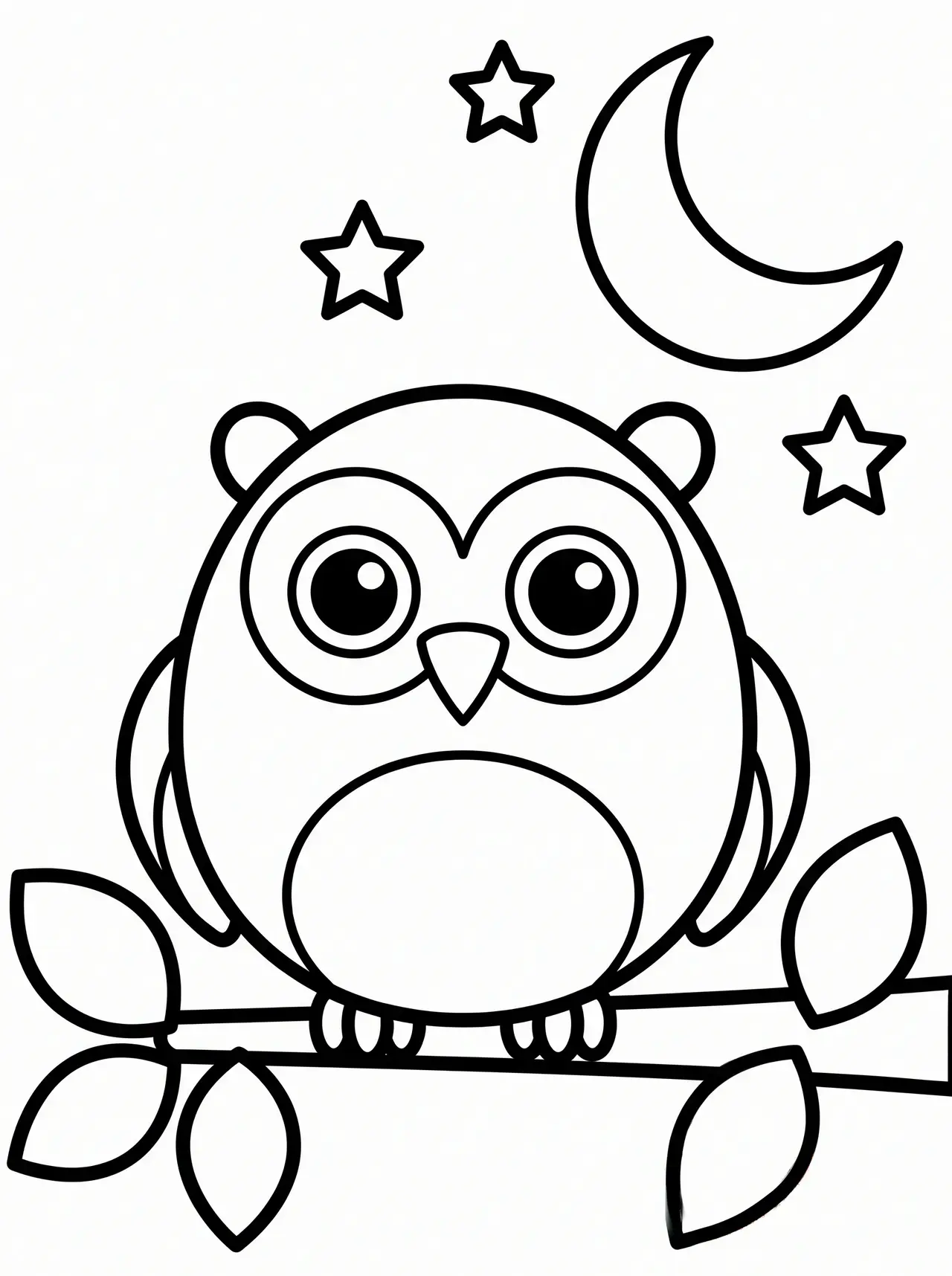
A good coloring page is mostly about lines: thick, black, closed and on plain white, with nothing grey in between. Those are the pages that print cleanly on a school printer and that a five-year-old can color without crayon leaking out of every shape. When you use an AI coloring page generator, the brief and the style decide whether you get that, or a pretty picture that is useless with crayons.
What makes a page printable
| Feature | Why it matters |
|---|---|
| Closed shapes | every area can be colored without gaps |
| Thick outlines | survive a cheap printer and a young child's hand |
| Plain white inside | no grey shading that wastes toner and confuses the eye |
| One clear subject | the eye knows where to start |
| A margin | nothing is cut off at the printer's edge |
BananaFlash.org draws coloring pages with these rules built in: black outlines on white, closed shapes, no shading, no text. A page costs 35 credits, the check included, and is drawn by Nano Banana 2.1 by Google.
Brief by age group
Pick the age group in the studio; it sets how much detail goes in. Then keep the subject to one main thing and a simple setting.
- Ages 5–7: "A friendly owl on a branch under the moon." One big subject, large areas, the simple shapes style.
- Ages 8–10: "A long-necked dinosaur by a river with ferns and a volcano behind." A scene with three or four parts, the thick lines style.
- Ages 11–13 and up: "A lighthouse on rocks with waves and gulls." More detail and smaller areas, the more detail style.
- Adults: patterns and dense scenes work, but keep the outlines closed.
Under Things to show you can list what must be in the picture ("owl, branch, moon, three stars"). Leave it empty and the checker writes a simple scene for you to read first.
Avoid these in the brief
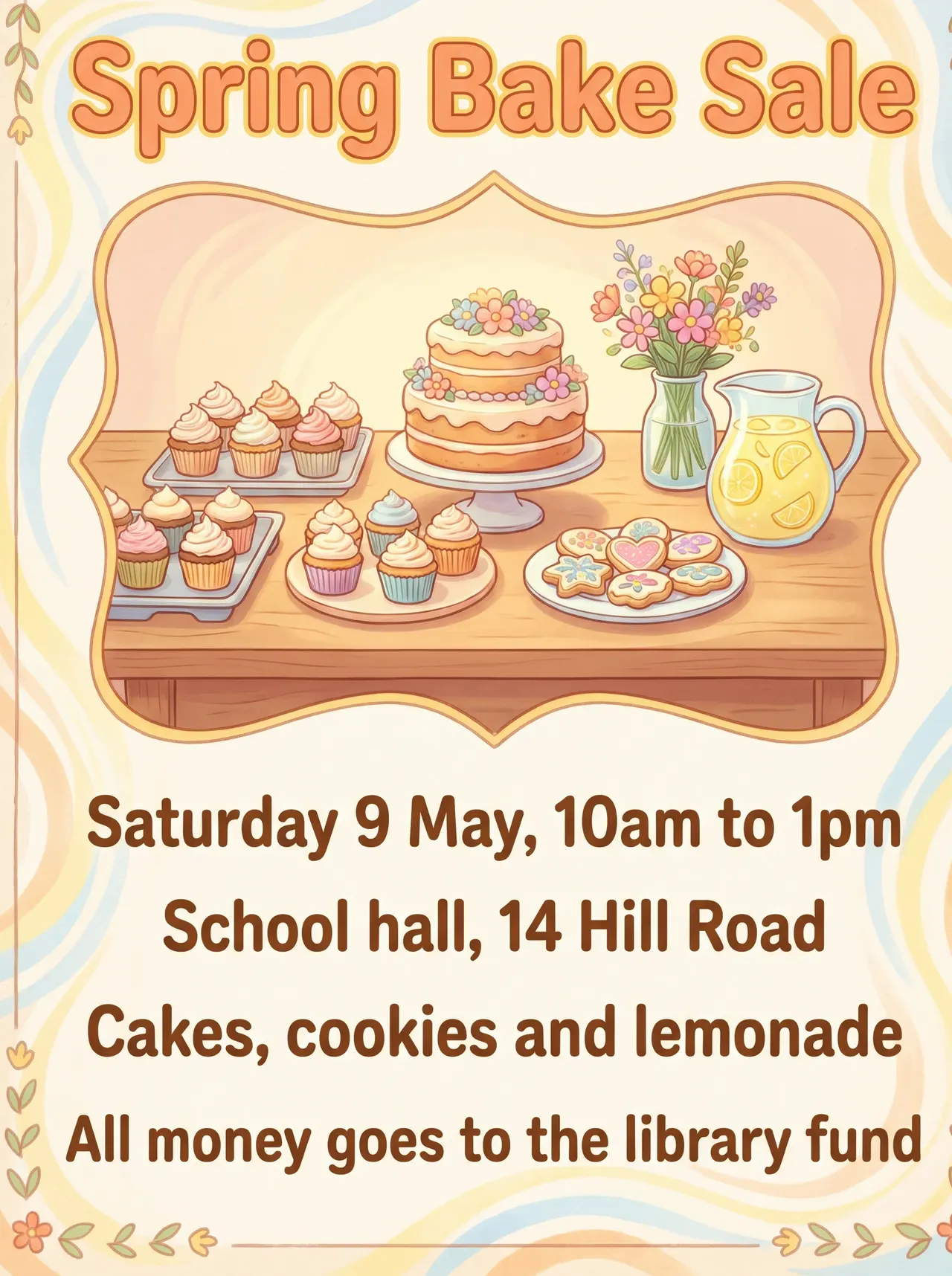
- Words and numbers. A coloring page with lettering is a different sheet; use a worksheet picture or a flyer for that.
- Characters from books, films and games. They are not drawn here. Describe an original animal or person instead.
- Photographic detail. "Realistic fur" turns into hundreds of tiny shapes nobody can color.
Print it
Press Print PDF and choose A4 or Letter. The page is placed with margins inside the printable area, centred, at the largest size that fits. Portrait suits most single subjects; pick landscape before you start for wide scenes like a farmyard.
Print one copy and check two things on paper: that every outline is closed, and that nothing important is in the margin. If a shape has a gap, draw the page again for 35 credits.
Coloring pages in a lesson
- Vocabulary: color the farm, then name each animal.
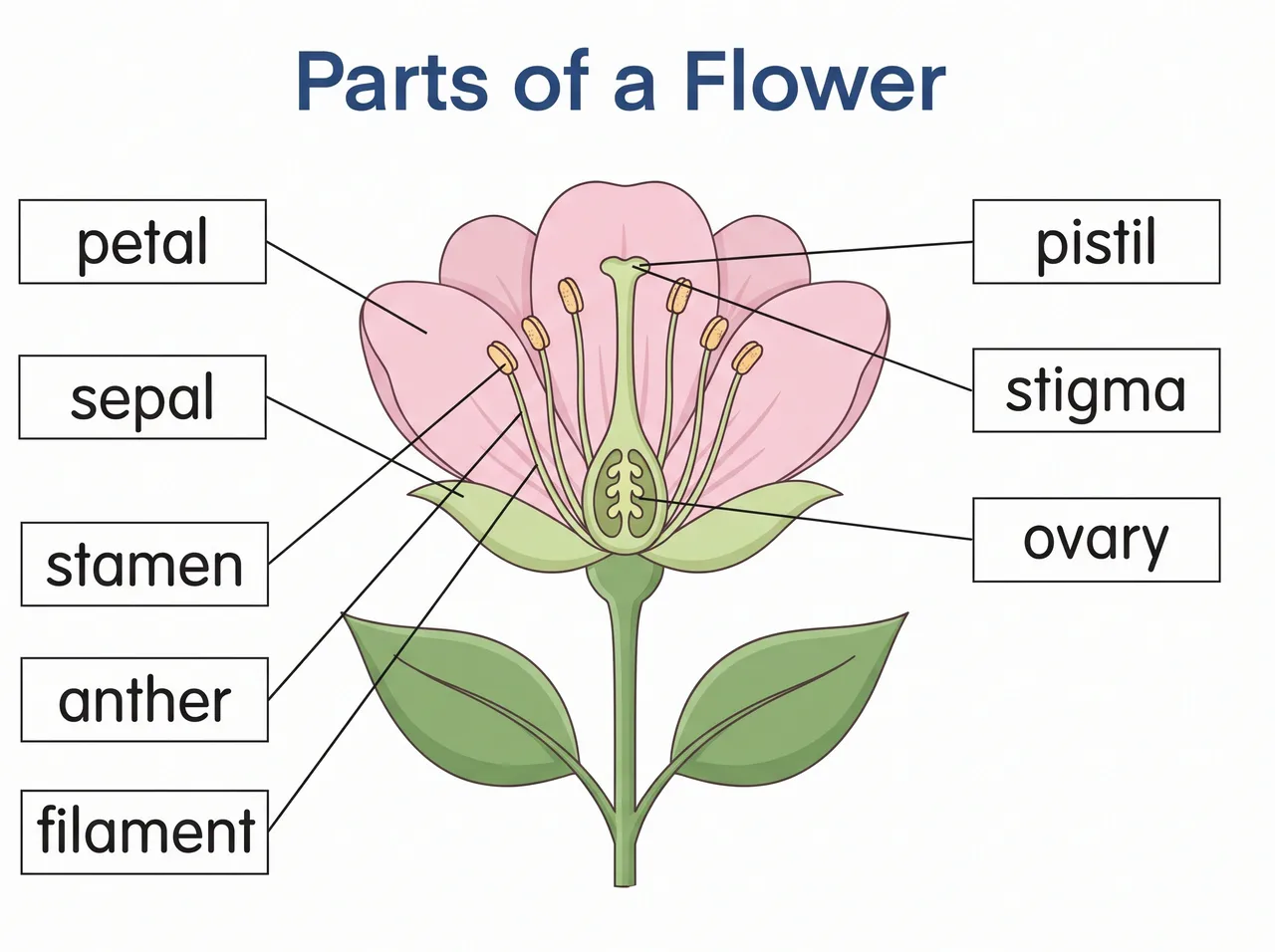
- Science: color a butterfly, then label its parts on a labelled diagram of the same topic.
- Calm time: a page per table at the end of the day.
- Story follow-up: a scene from the class story, drawn as an original picture.
Costs at a glance
| What | Credits |
|---|---|
| One coloring page | 35 |
| A worksheet picture | 25 |
| Drawing a page again | 35 |
Pages are private, carry no watermark and stay in your library for 30 days. Start in the studio by picking Coloring page, or see pricing.
Make your own sheet
Type the subject and your labels, check every word and see the price before anything is drawn.