Labelled diagram maker for science and geography lessons

  1. 1Brief
  2. 2Check the words
  3. 3Draw
Try:

99 credits

check + drawing

New accounts get 25 free credits after email verification: one worksheet picture.

This labelled diagram maker draws one clear teaching picture with your own labels on it: parts of a flower, the water cycle, inside a volcano, the layers of the Earth. You type the labels the way your class should see them, read them back after a spelling check, and only then is the diagram drawn. One more click makes the same picture with empty label boxes, ready for a label-the-diagram quiz.

Last updated:

Sheets made with this maker

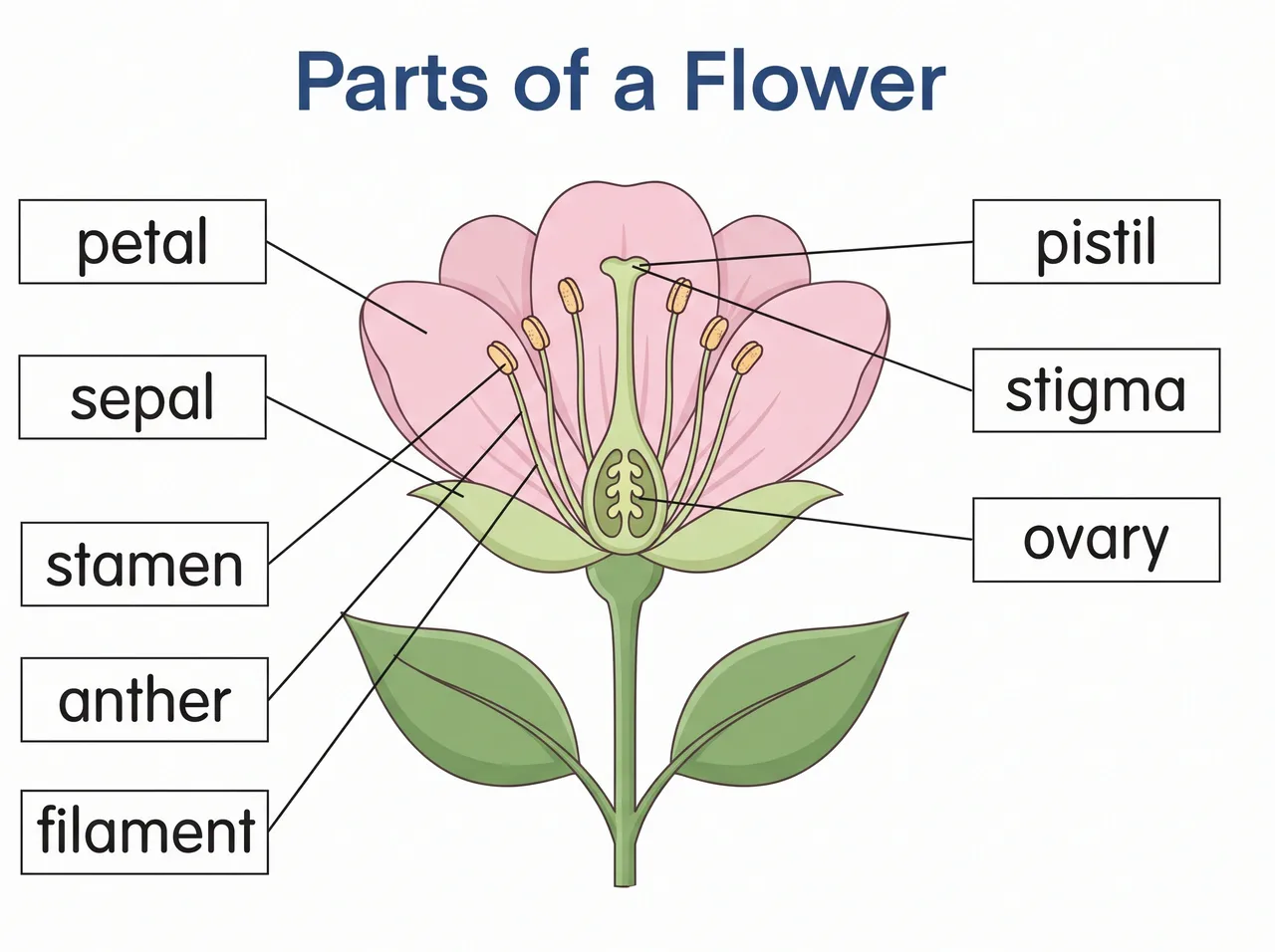
Labelled diagram of a flower cut in half: petal, sepal, stamen, anther, filament, pistil, stigma and ovary
Parts of a flower, ages 8–10Textbook
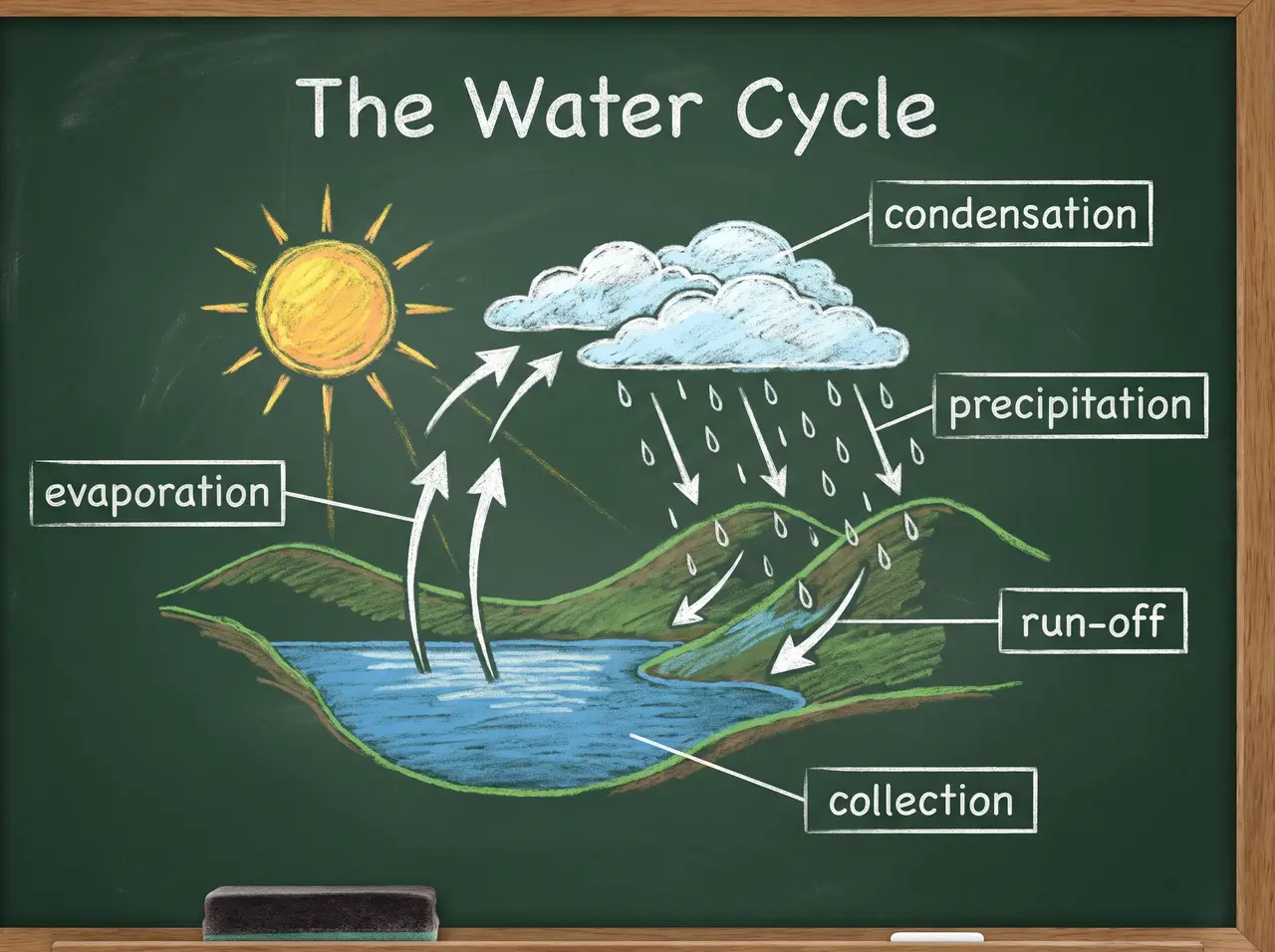
Chalkboard diagram of the water cycle over a lake and hills, labelled evaporation, condensation, precipitation, run-off and collection
The water cycle, chalkboard styleChalkboard
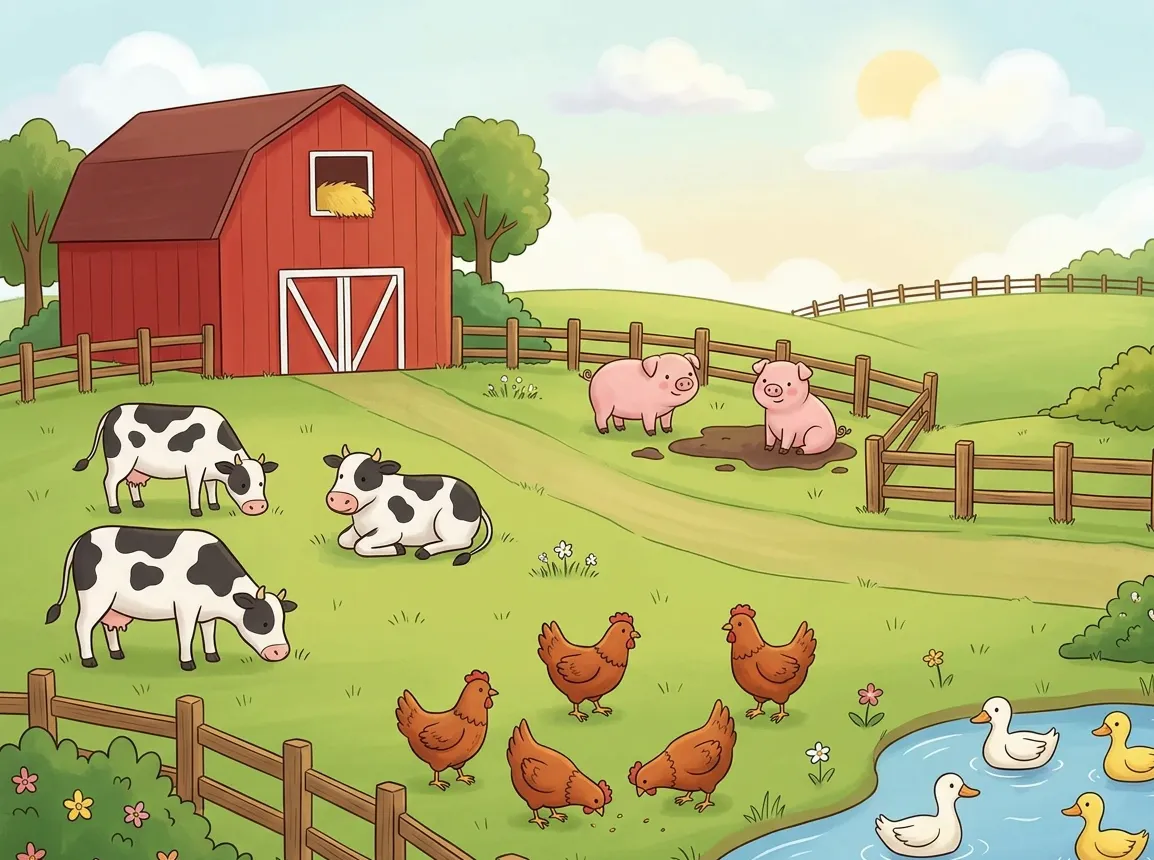
Storybook farmyard with 3 cows, 5 hens, 2 pigs and 4 ducks on a pond, for a counting worksheet
Counting on a farm, ages 5–7Storybook
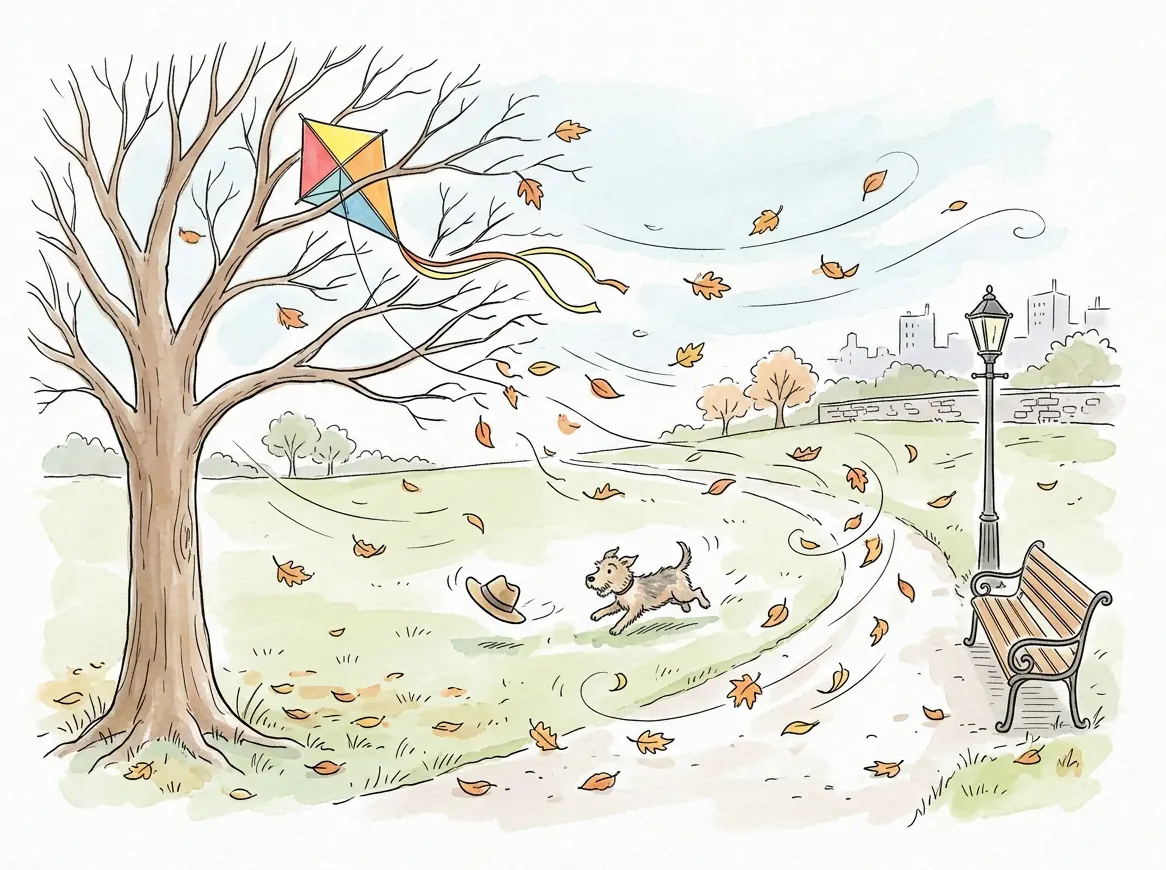
Watercolour park on a windy day: a kite caught in a tree, leaves flying and a dog chasing a hat
Story prompt: a windy dayInk and wash

Good for

  • Science diagrams: plants, the body, the water cycle, circuits
  • Geography: volcanoes, rivers, layers of the Earth, landforms
  • Label-the-diagram quizzes with a matching blank copy
  • Bilingual classes: labels in the language you type them in
  • Display boards and revision sheets on A4 or Letter

How to make one

  1. 01

    Type the subject and the labels

    For example "parts of a flower" and one label per row: petal, sepal, stamen. Up to 12 labels. Leave the list empty and the checker suggests the usual labels for the age group you pick.

  2. 02

    Check every label

    The checker fixes spelling and tells you in a note what it changed. Edit, add or remove labels; the diagram is drawn with exactly the words in the boxes.

  3. 03

    Draw, then make the blank copy

    The labelled diagram costs 99 credits. Press "Make a blank-label copy" for the quiz version at 35 credits: same picture, empty label boxes, no new check.

Why the labels are checked before drawing

Image models write whatever words they are given, typos included, and a misspelt label on fifty printed copies is a long afternoon. So the labels are read back to you as plain text first. You see the exact spelling, a note for each correction, and you decide. Only then does Nano Banana Pro, the Google model that handles lettering best, draw the diagram.

One picture, two sheets

Teaching and testing usually need the same picture twice: once with labels to learn from and once blank to fill in. The blank-label copy is drawn from your finished diagram with the label text removed and the leader lines and boxes kept, so pupils write into the same places they studied. Check that every box is still there before you print; the picture is redrawn, not edited pixel by pixel.

Pitched to the age group

Pick an age group from 5–7 up to adults. It sets how detailed the drawing is and, when you leave the list empty, which labels the checker suggests: "roots, stem, leaf, flower" for the youngest, "xylem, phloem, stomata" further up.

Specs

InputA subject up to 300 characters and a list up to 600 characters
Sheet typeLabelled diagram
Starting styleTextbook
PaperPortrait or landscape; print-ready PDF in A4 or Letter
CheckGemini 3 Flash by Google checks spelling and keeps your numbers before anything is drawn
Drawing modelNano Banana Pro (Google)
OutputPNG and PDF, private, no watermark
Cost99 credits per sheet, check included

What it costs

One sheet of this kind costs 99 credits, the check included. The studio shows the credits before you start, and a sheet that fails to draw is refunded. See plans and the pack

Credits per sheet type
SheetModelCredits
Labelled diagramNano Banana Pro99
Worksheet pictureNano Banana 2.125
Coloring pageNano Banana 2.135
FlyerNano Banana Pro99
Blank-label copyNano Banana 2.135

Drawing a finished sheet again costs the same credits as the sheet. The blank-label copy is made from a finished diagram and needs no new check.

Questions

Will the labels be spelt correctly?

You see and approve every label as text before drawing, after a spelling check that notes each change. Nano Banana Pro then draws those words. Read the finished sheet once more: an image model can still misplace a leader line, and you can draw again for 99 credits.

How do I get a blank version for a quiz?

Open the finished diagram and press "Make a blank-label copy". It costs 35 credits and keeps the picture, boxes and leader lines with the words removed.

How many labels can a diagram have?

Up to 12. For younger pupils four to six labels read better, and the age group setting keeps the drawing simple.

Can I print it?

Yes. Download the PNG or print a PDF sized for A4 or Letter with margins that suit school printers.

Can I upload my own diagram to relabel?

No. Every diagram is drawn from your subject and labels; there are no uploads, so no photos of pupils or textbook pages end up in the studio.